Nudge
Design Case Study
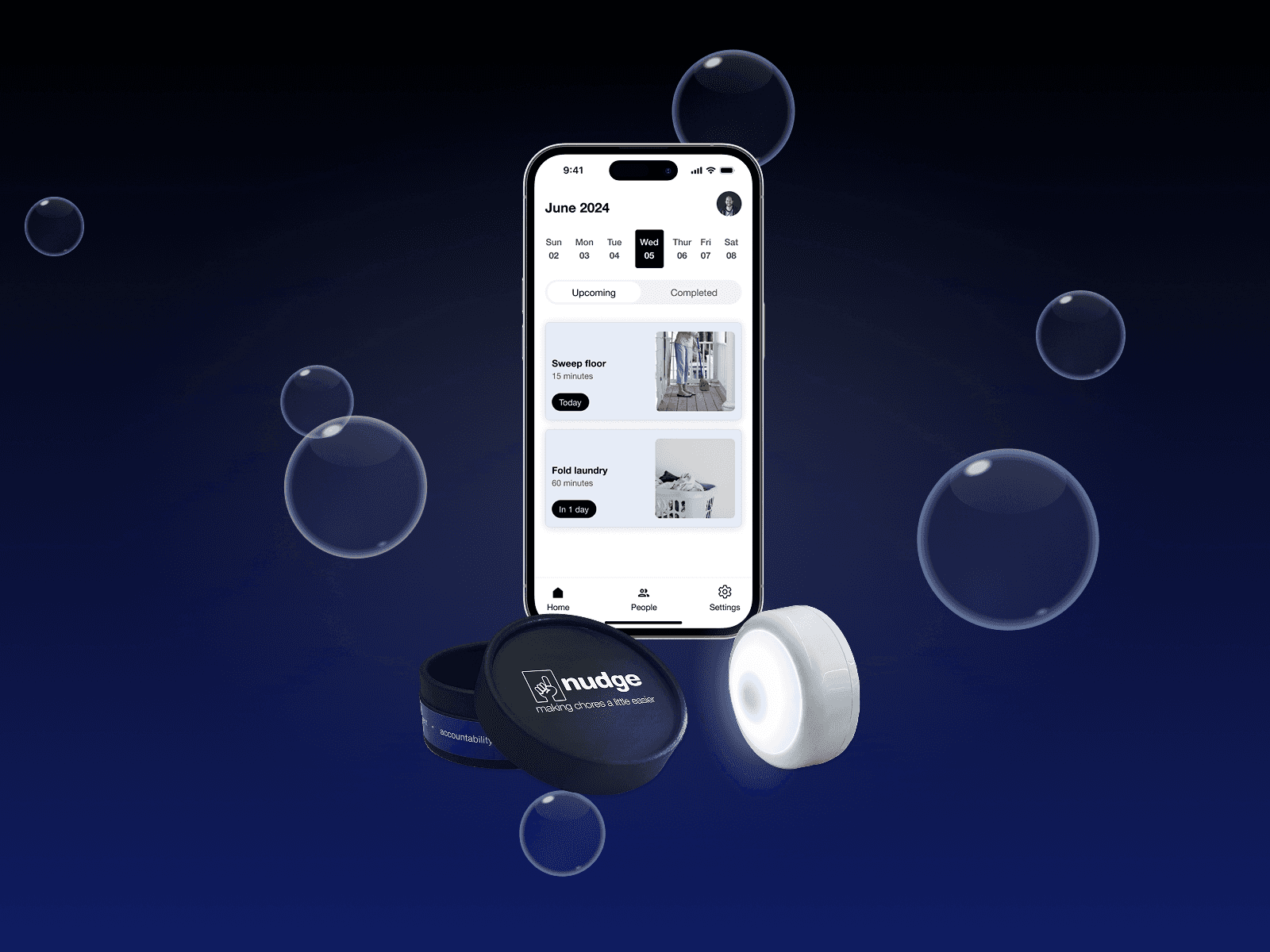
Nudge makes chores a little easier for households by combining a mobile app with light-up buttons, providing ADHD-friendly reminders to complete chores.
Client
University of Washington
Date
January-June 2024
Contribution
User Research UX & Motion Design Documentation
Tools
Figma RFID Tags
The Situation
Nudge was the capstone project of my degree program at UW. Along with 3 other designers, we chose to explore the topic of chores in the home and how they might become less stressful for people in the future.
Our goal was to reimagine how people can do chores together to reduce stress and conflict.
Approach
Our process for this project came in two stages, as inspired by the Double Diamond design process. First, we would research how chores were perceived in various households through interviews. With this insight, we would choose a target audience, collaboratively generate ideas to solve their most pressing needs, and then design a high-fidelity prototype to showcase.
Throughout the process, we wanted to highlight open thinking followed by convergence. Our plan was to facilitate this through brainstorming activities (such as whiteboarding) followed up by idea reviews and discussion. The idea was to give everyone a chance to run wild creatively while making meaningful steps towards the end goal.
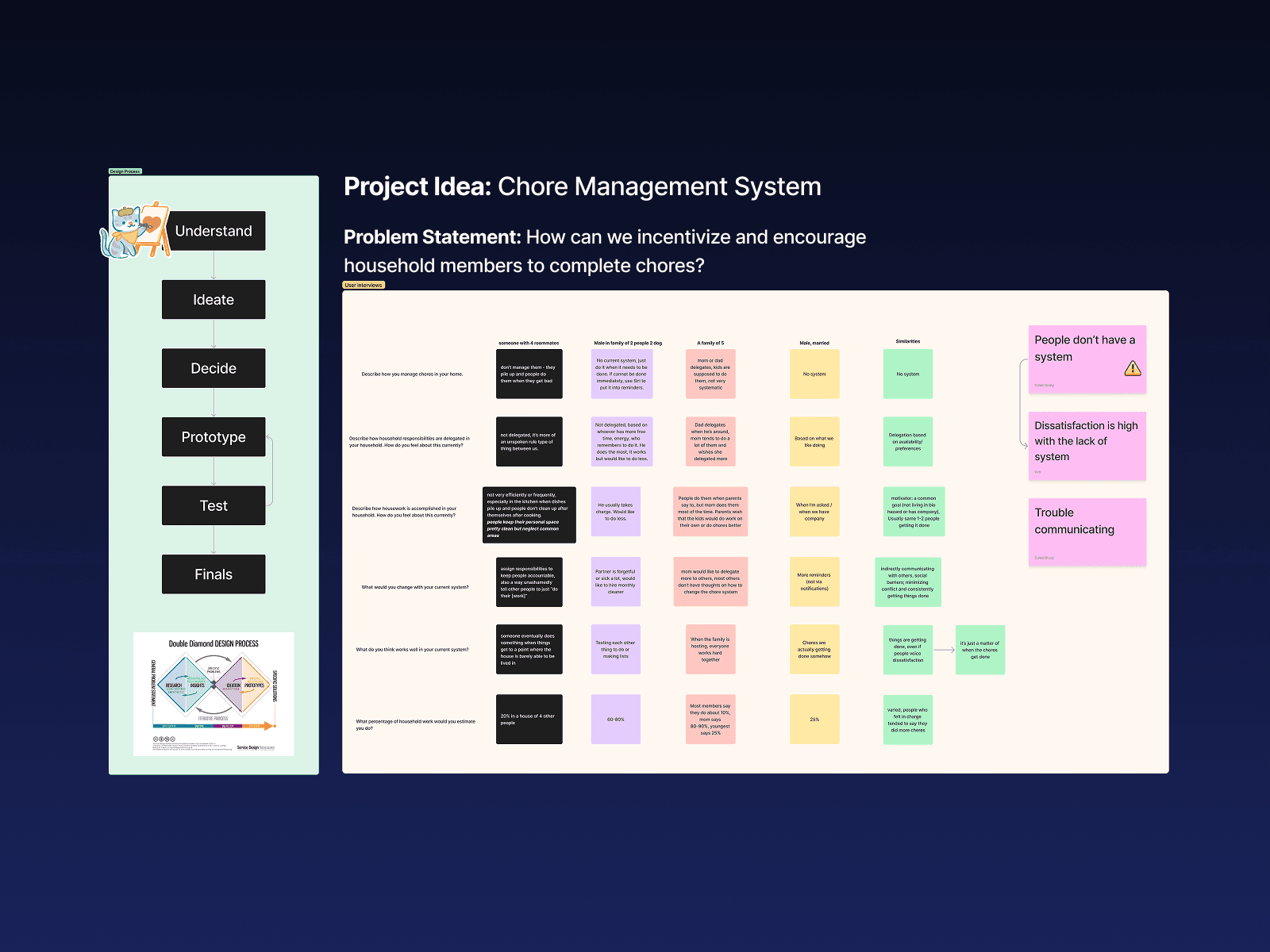
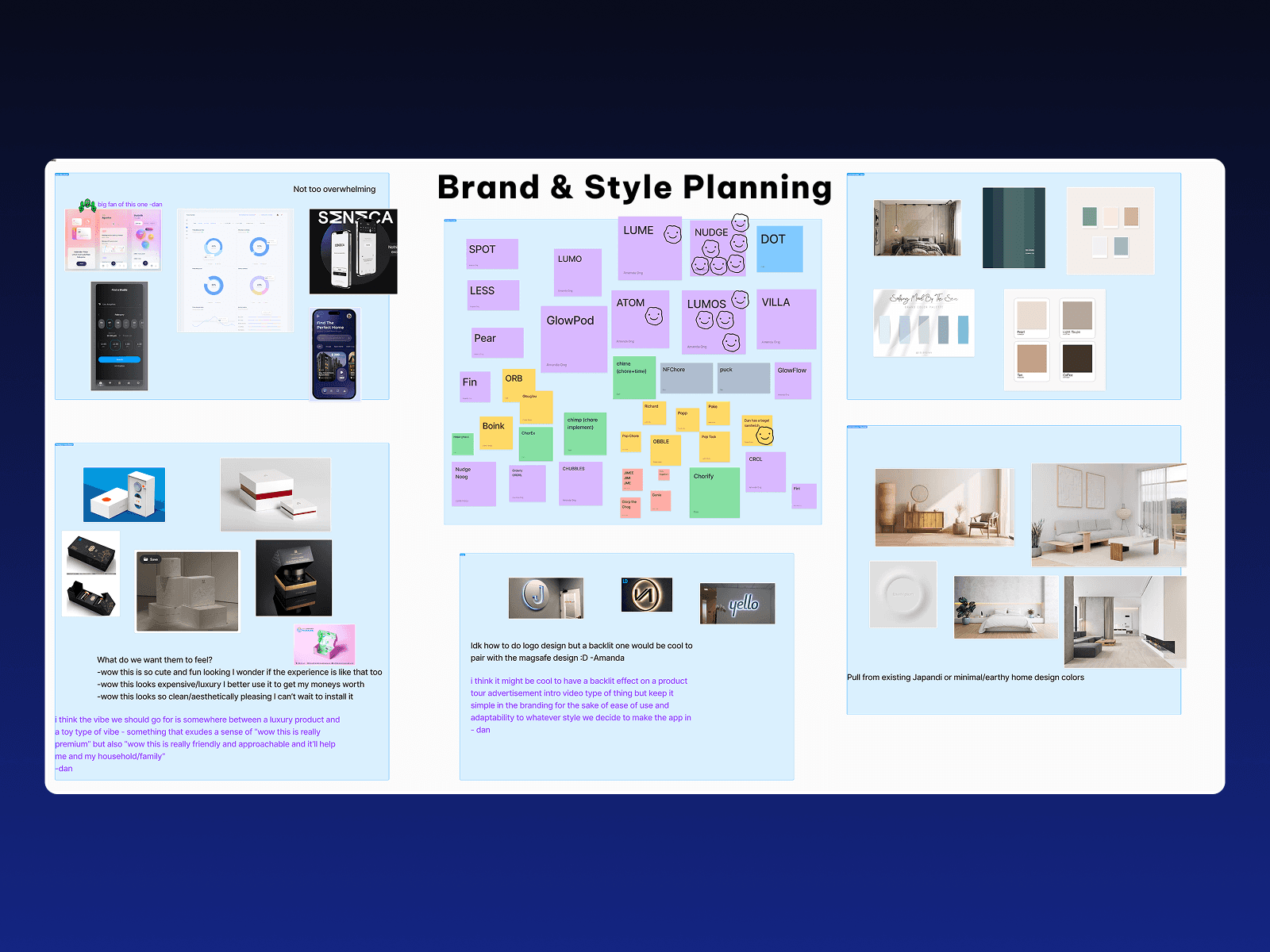
Artifacts from our early project planning in FigJam
Picking a Target Audience
Researching Chores
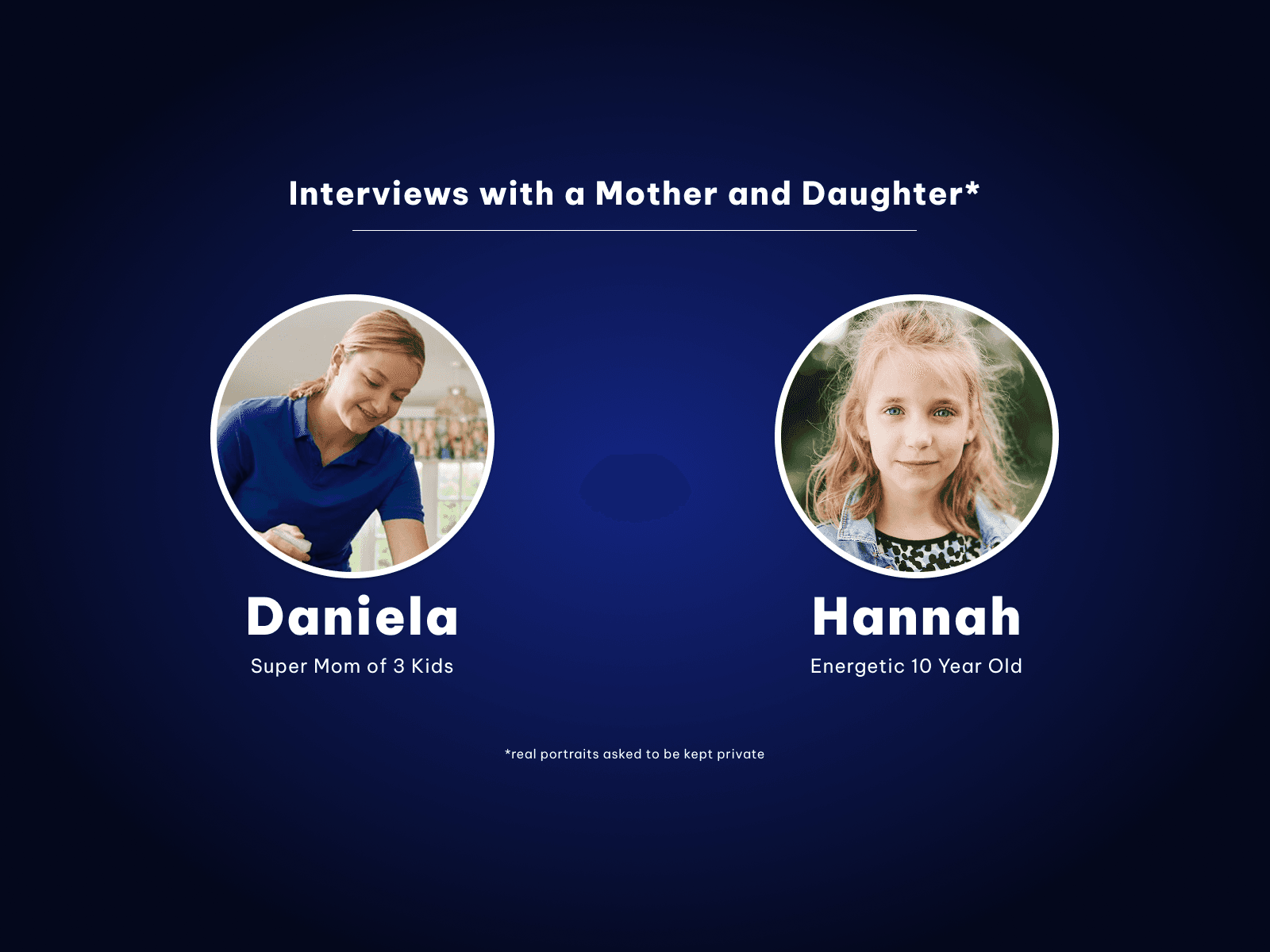
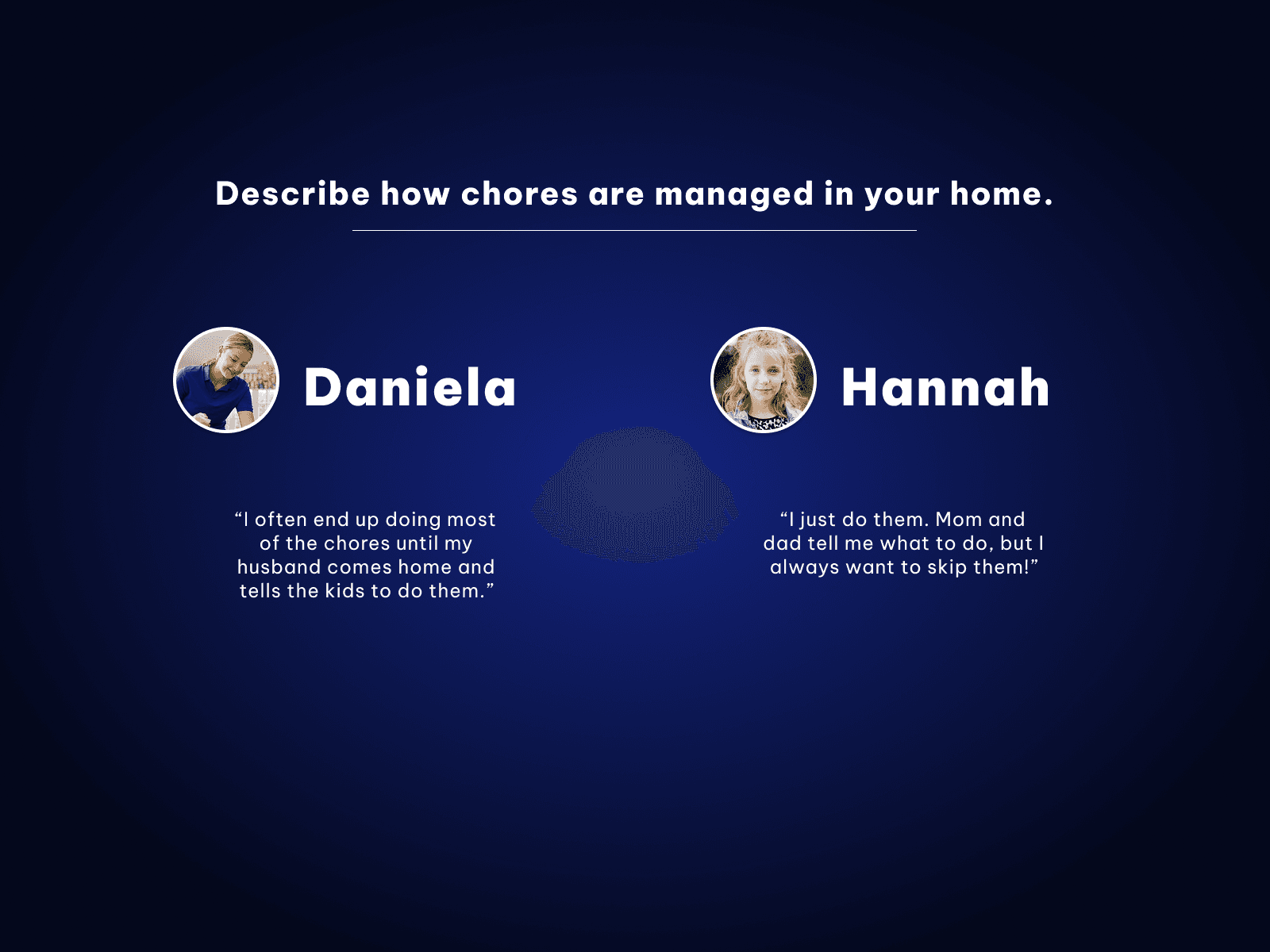
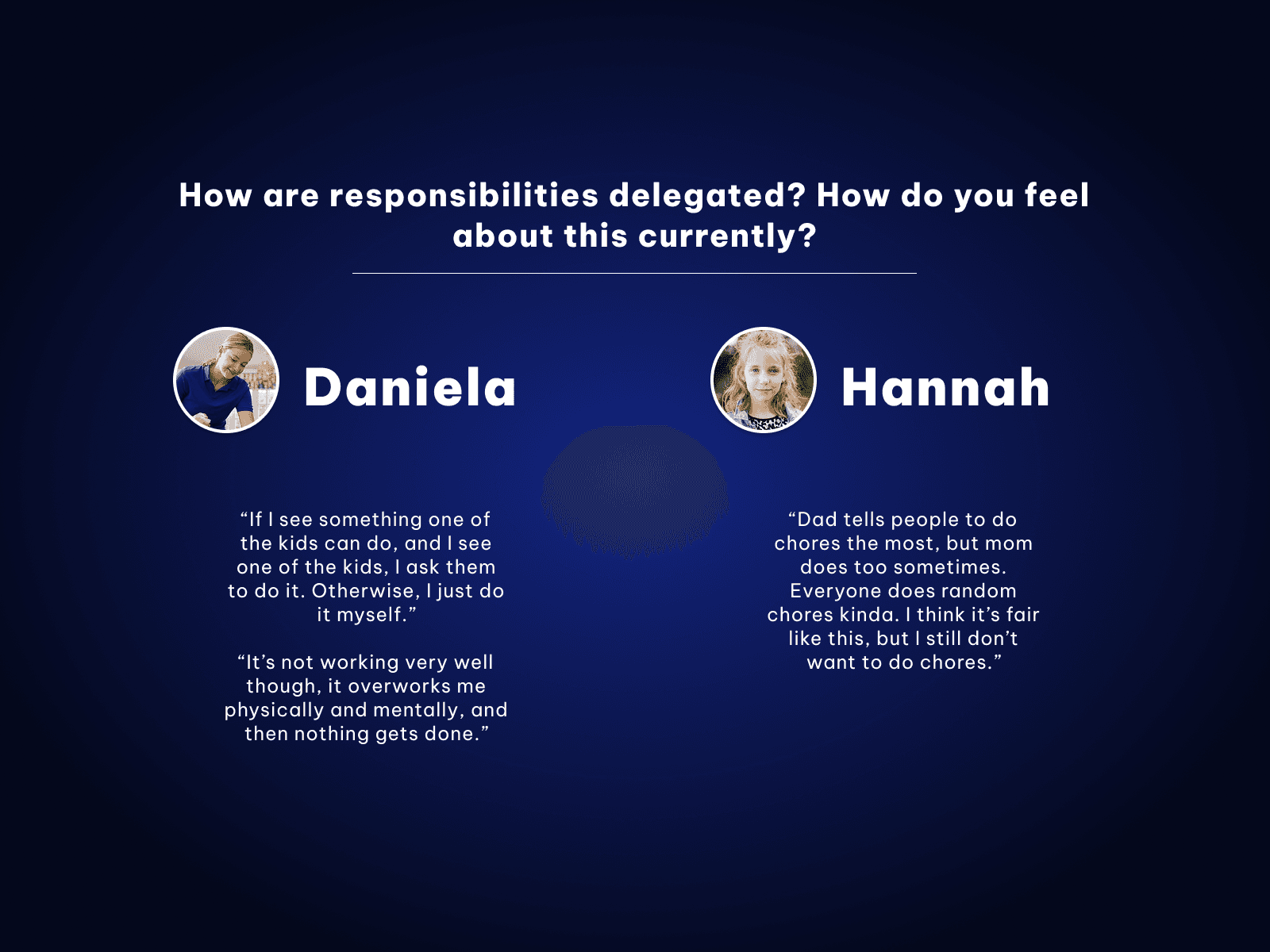
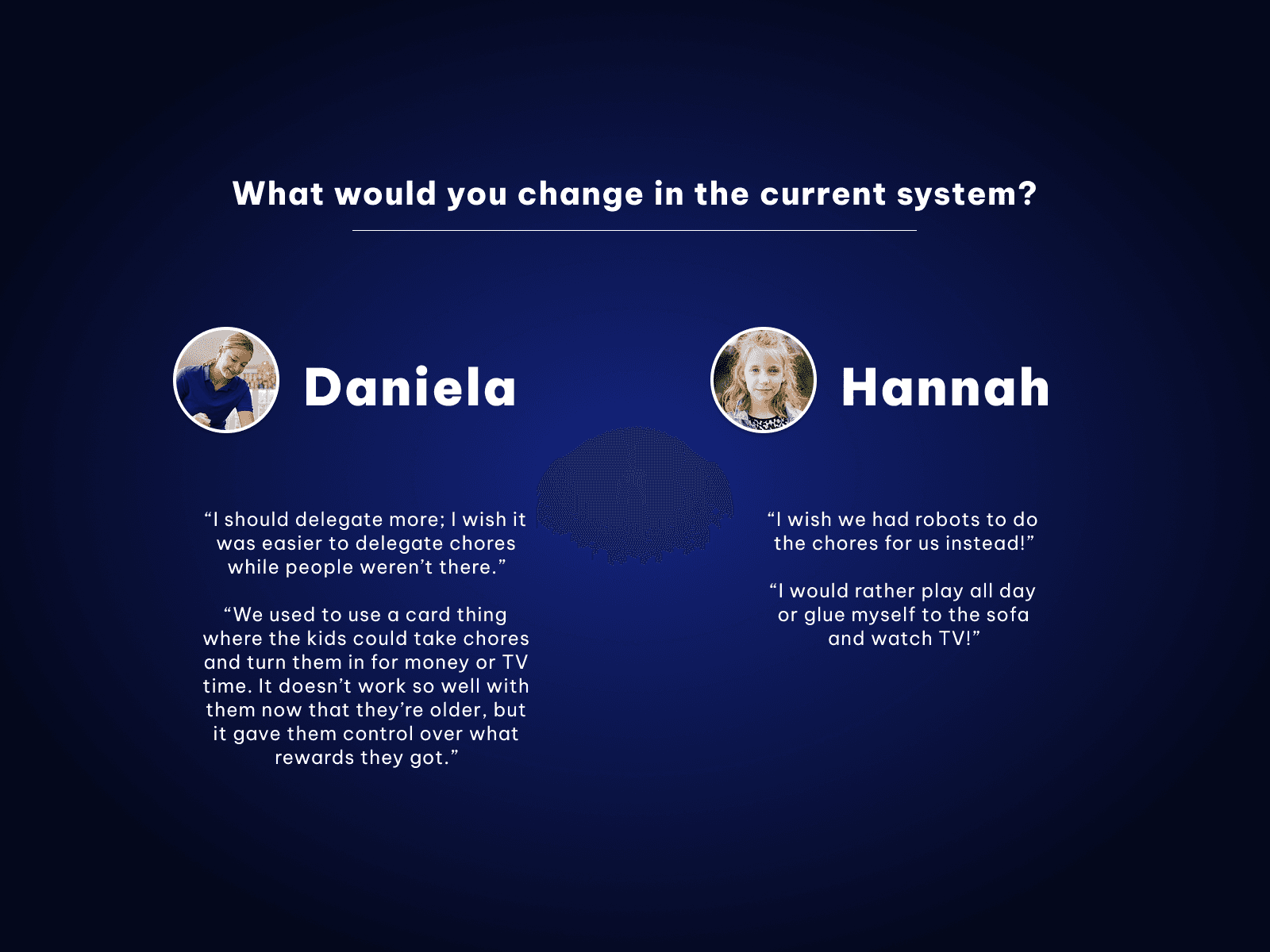
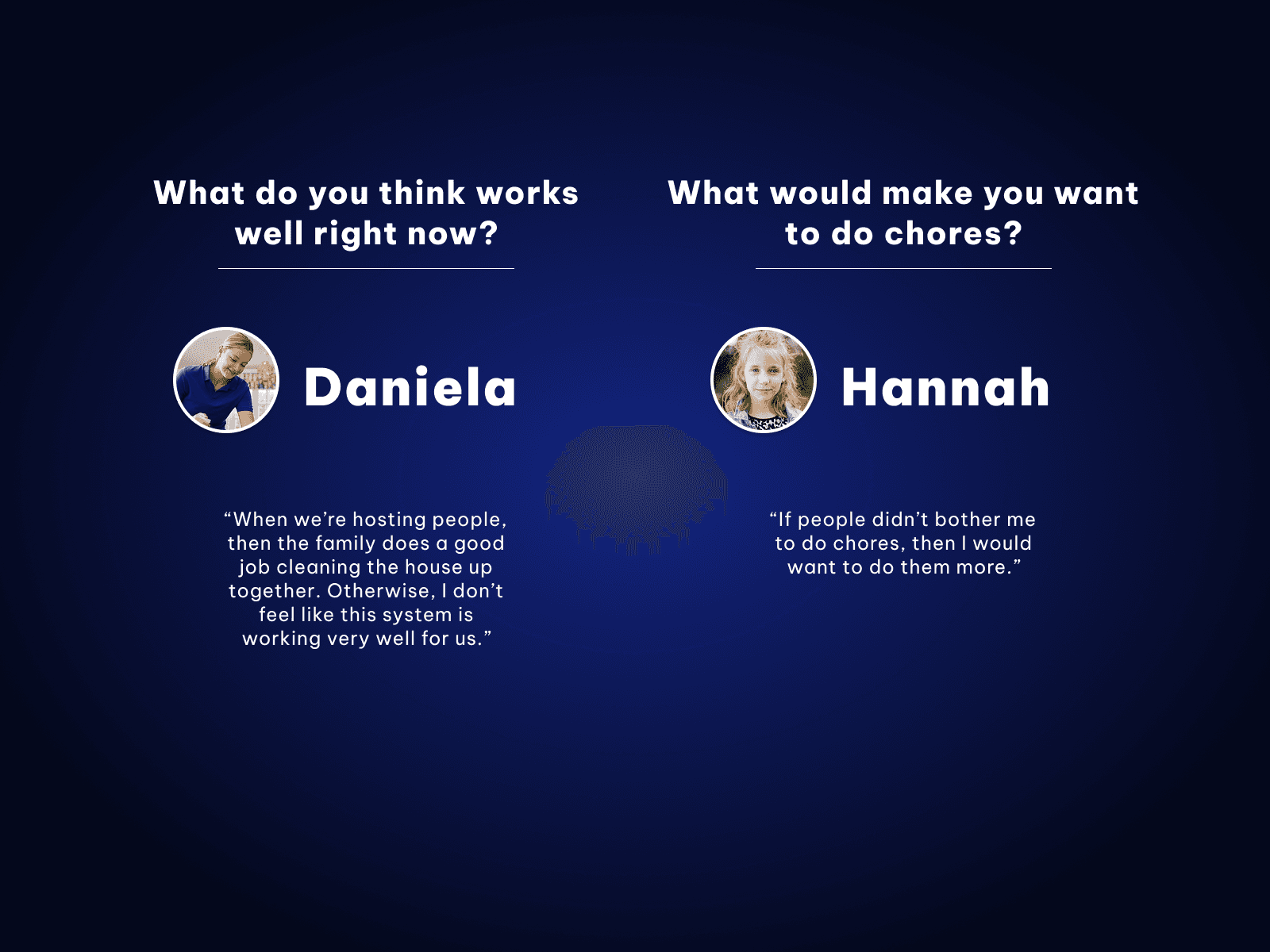
Initially there was some debate about how we wanted to approach the topic of chores. To narrow our project down to a specific audience, we interviewed people from 4 different household environments to find a group we all resonated with. I interviewed a household of 2 parents, 2 young adults, and 1 child, asking each individual how they felt about the efficiency of doing chores, how much they were contributing compared to everyone else, and how they felt their situation could improve.
Our research revealed 3 similarities amongst all interviewed households:
No interviewed people had a system in place for managing chores
The lack of a system was dissatisfying to everyone
People often struggled to communicate about chores
Selecting an Audience
While analyzing our research, we realized that despite living in different situations, the problems most people had managing chores with others were quite similar. We also realized that each of us especially struggled with these problems due to symptoms of ADHD, along with some of the interviewees.
We decided to created a system that would help people, especially with ADHD, manage chores with others in their homes.
Research (again)
To best cater to this new audience, we took some extra time to understand where people with ADHD struggled and excelled. Through personal experience and online sources, we determined that our product should focus on creating a system that was rewarding, easy to access, and did not nag the user too much while providing them with enough direction to stay on task.
A Mess of Ideas...
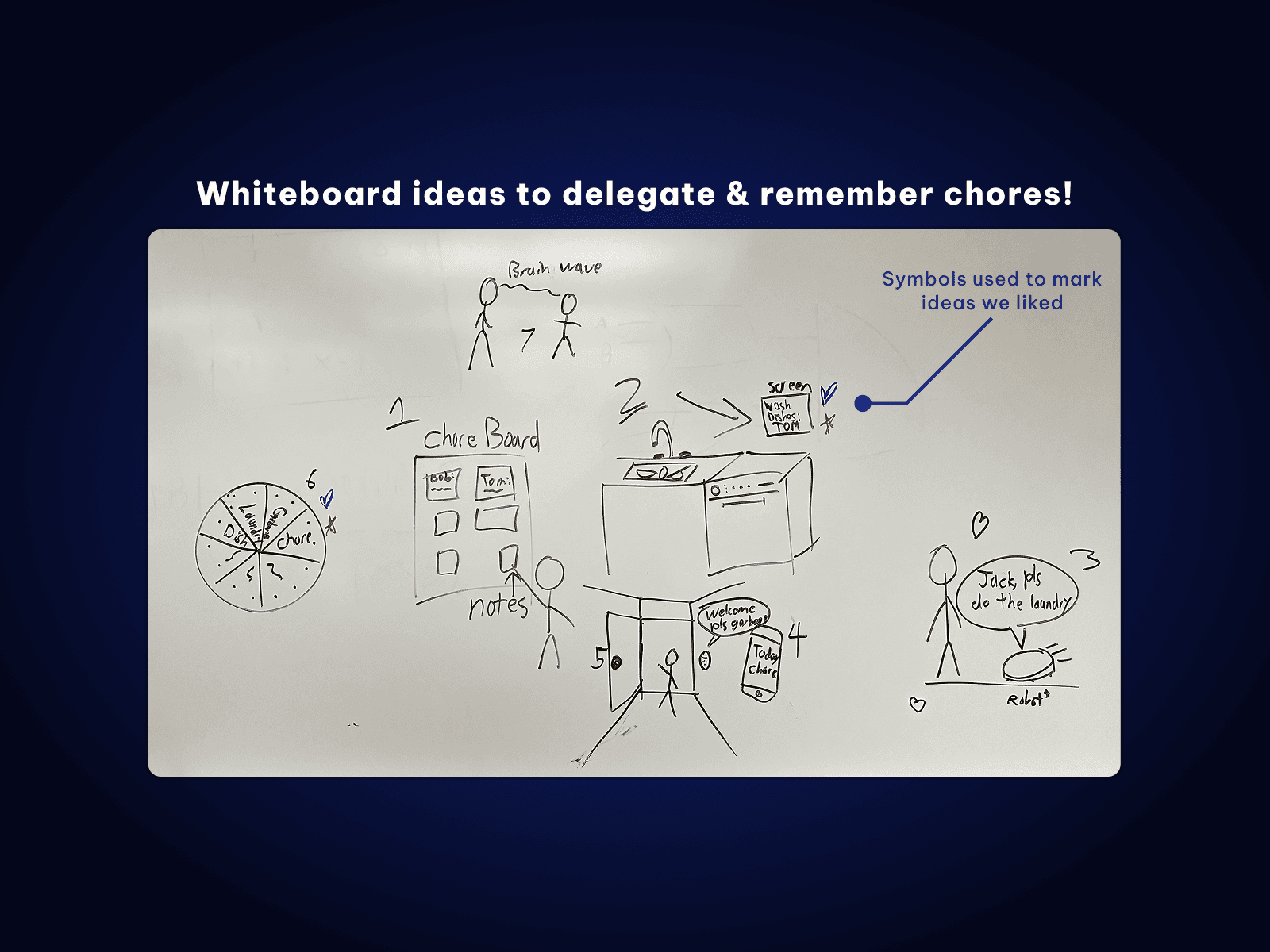
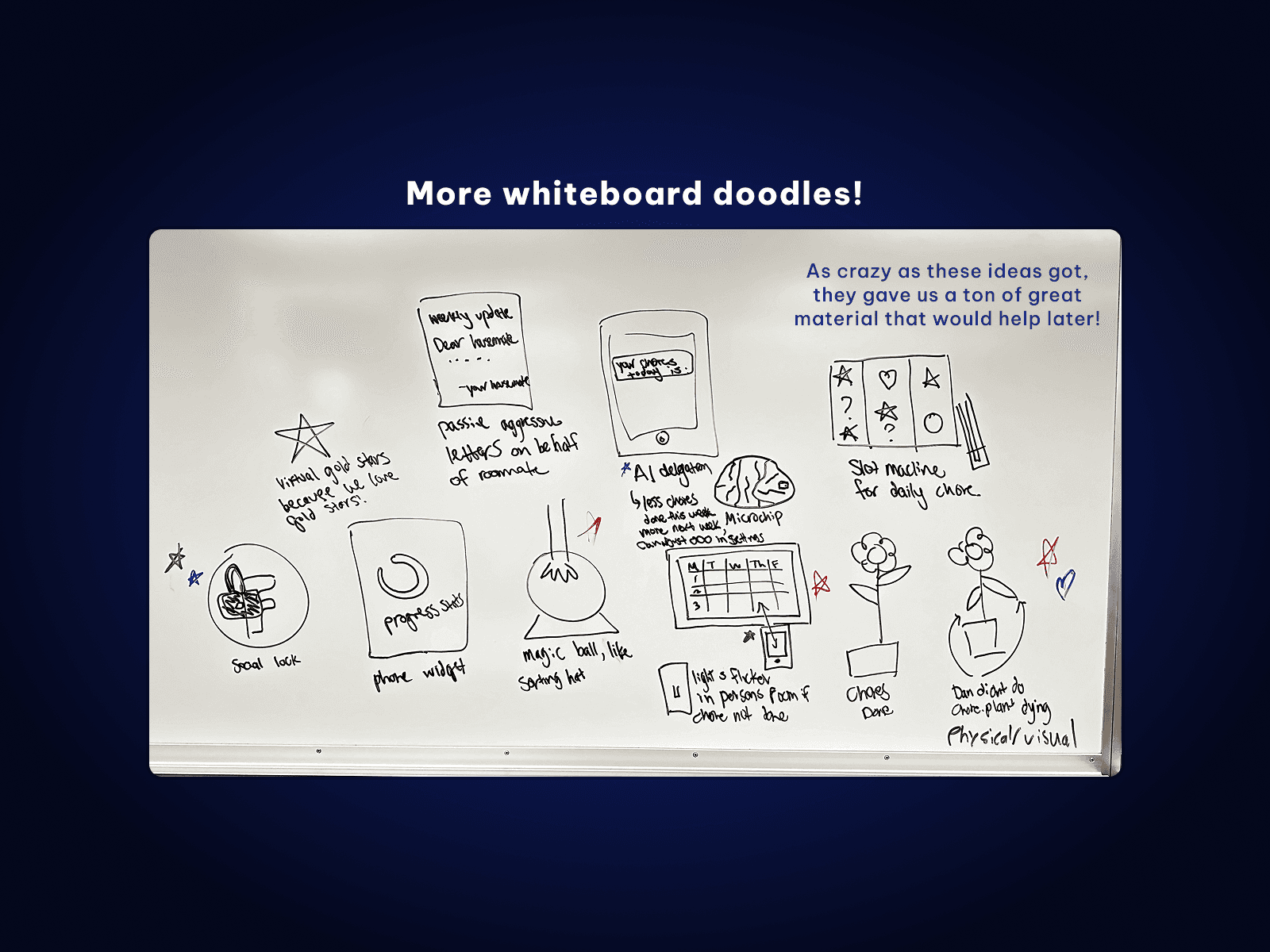
Now that we had selected our audience, we felt like it was time to get creative and start generating ideas. This began with lots of whiteboard drawings; we would set a timer and create as many ideas as we could to solve a specific prompt, then review everyone's ideas and point out our favorites. Using the whiteboard in this way gave us freedom to spill out ideas and really open ourselves up to what could be possible.
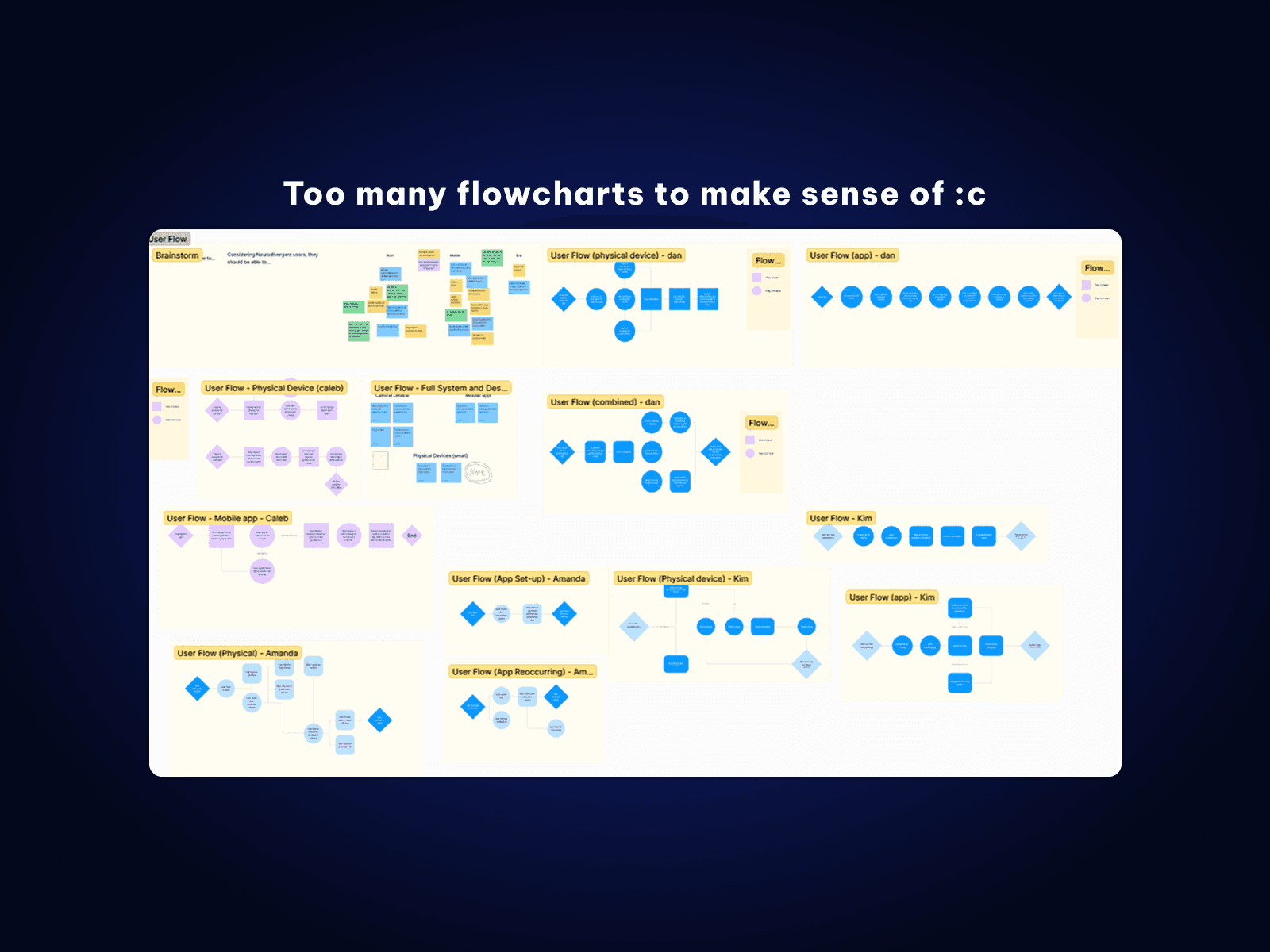
As fun as this was, it didn't take long for us to run into problems. So many ideas were being made that we were having trouble fully understanding everyone's vision for the product. To try and solve this, we each took time to create flowcharts that explained how we envisioned the end product, but we found this to be a tedious process that was tying us down to ideas too early on.
...Solved by Arts and Crafts!
It felt like we were losing steam, but then I came up with an idea to get us back on track. We would essentially do arts and crafts together, creating paper prototypes for our ideas and acting them out. This gave us a chance to be immersed in each other's ideas while also being able to adjust them on the fly. We experimented with paper screens, buttons, and wall displays, exploring the pros and cons to each person's plan.
By making paper prototypes and acting scenarios out, we landed on an idea that we all loved: a mobile app that paired with small light-up "buttons" set up around a living space.
These buttons would provide a tangible real-world signal that a chore had to be done in a certain area, and users could use the app to delegate and manage chores. For example, if the laundry needed to be done, a button set in the laundry room would light up, and someone could press the button to begin the chore, with the button and their phone providing helpful reminders.
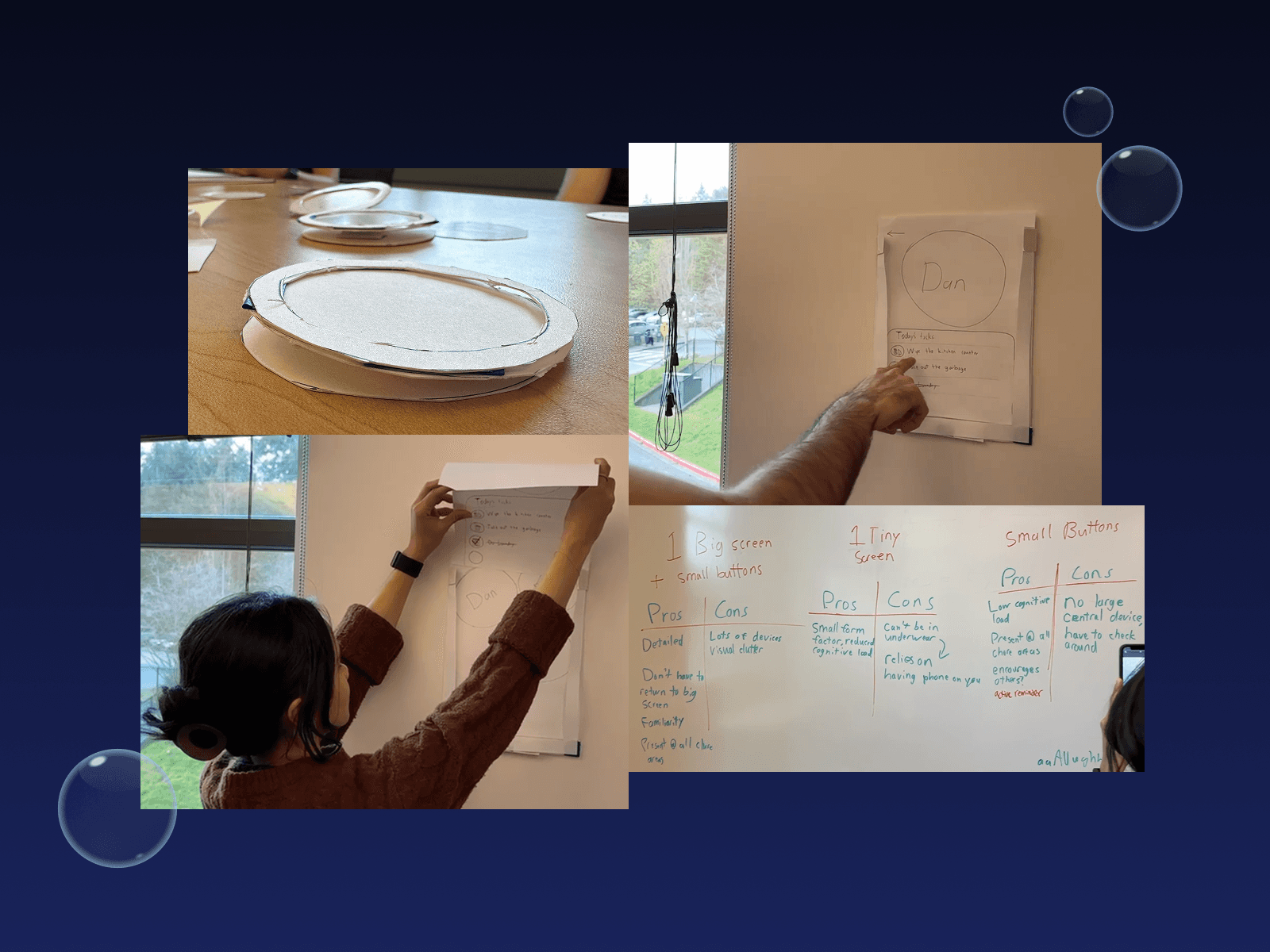
Images of our paper prototypes and experimentation
Refining Our Idea
Styling our Product (with Bubbles!)
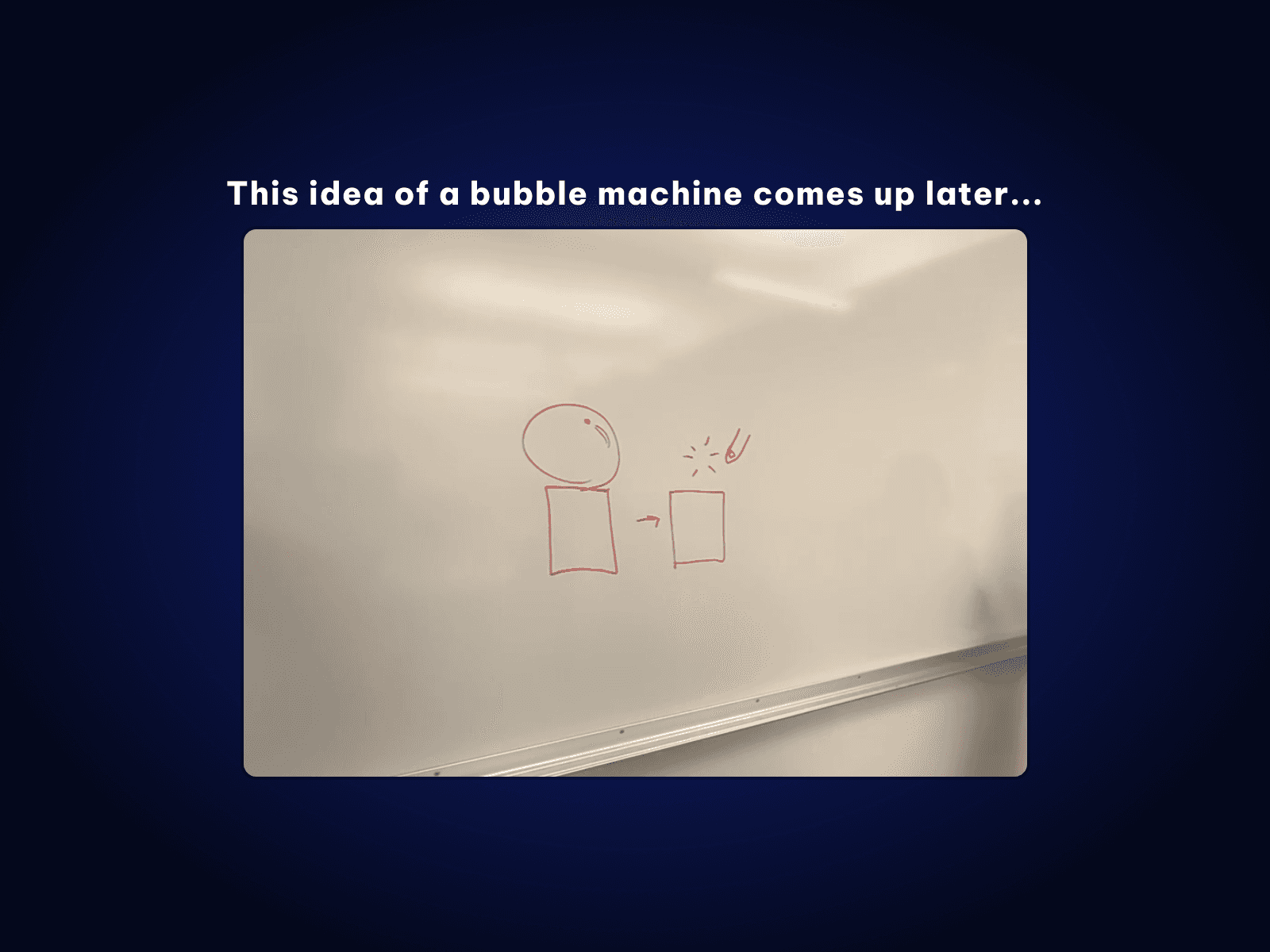
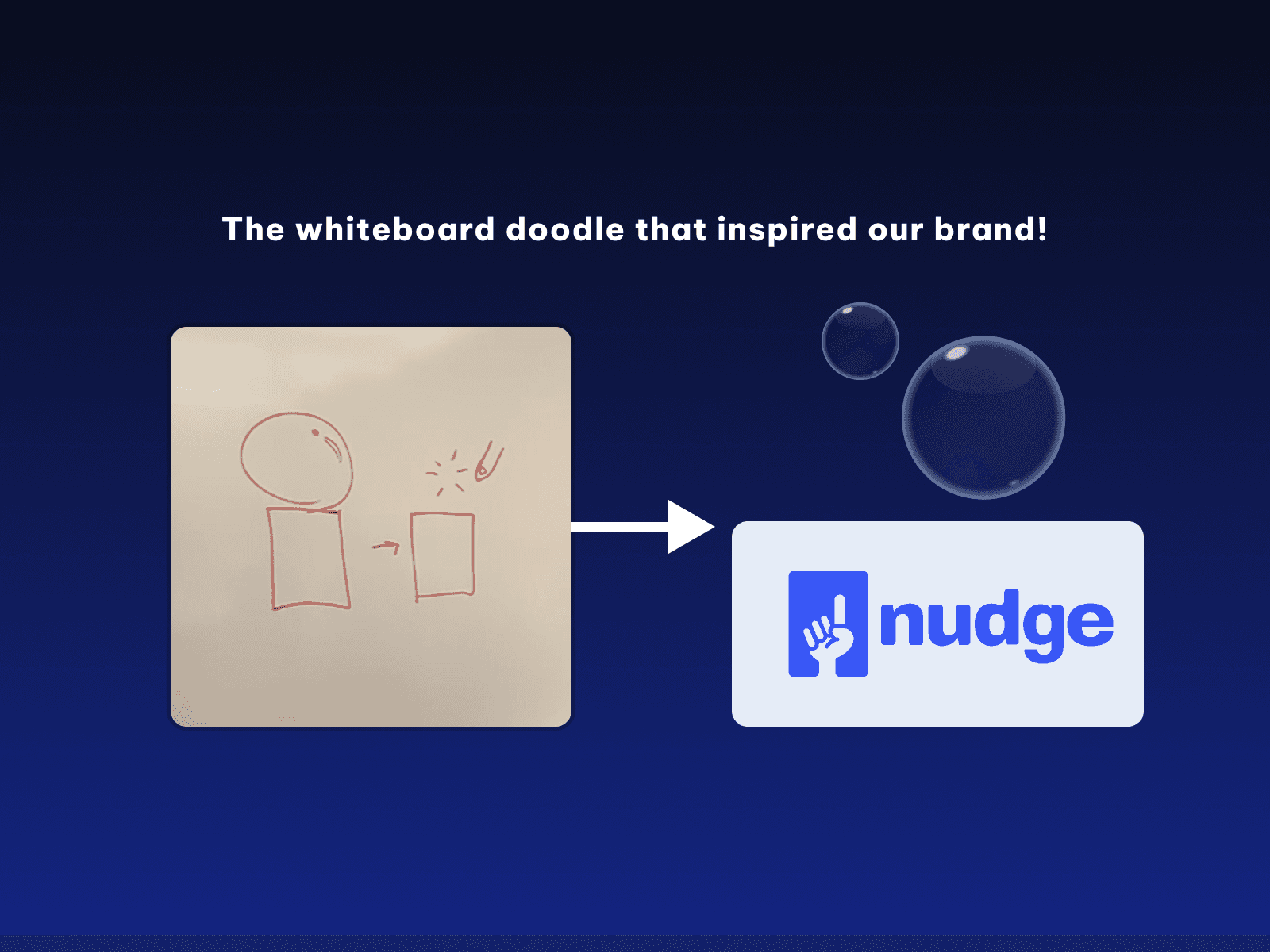
One concept that inspired our selected prototype, and ultimately our final product, was the joy of popping bubbles! We adopted this concept from a whiteboard sketch of a machine that would let you pop bubbles when you completed a task. What was originally a silly, impractical idea had become the inspiration for our product and brand!
Popping bubbles is such a simple yet rewarding task, and that action matches what we wanted our design to feel like.
Linking Buttons and Phones
To finish refining our idea, we put extra thought into how the button and phone relationship would work. While acting out scenarios with our paper prototypes, we recognized that we did not want to use the buttons to mark chores as complete, as this would lead to a lot of excess walking. We landed on the unique idea of using NFC technology to allow phones to "press" buttons and begin chores. This allowed the button to retain its use as a physical reminder for users, and once a chore was complete, the user could use an app to mark it as such from anywhere.
Bringing it All Together
User Flows
To ensure the whole team was on the same page as we built our prototype, we created a flowchart together to identify systems to design. This essentially provided us with information architecture that guided our design process.
Our user flow was essentially as follows:
Users would create a profile and set up or join a household.
Users could add chores to their household.
When a chore is scheduled, a corresponding puck lights up.
The user taps the puck with their phone to see the details of the chore.
Once the chore is completed, the user marks it as complete in their app.
Wireframes
Using the flowchart, our team collaborated on a wireframe in Figma. The wireframe gave us an opportunity to do a little bit of early testing, as well as provided us with an easy way to implement styling later on.
These Flowcharts and Wireframes prepared our design for implementation as an interactive prototype.
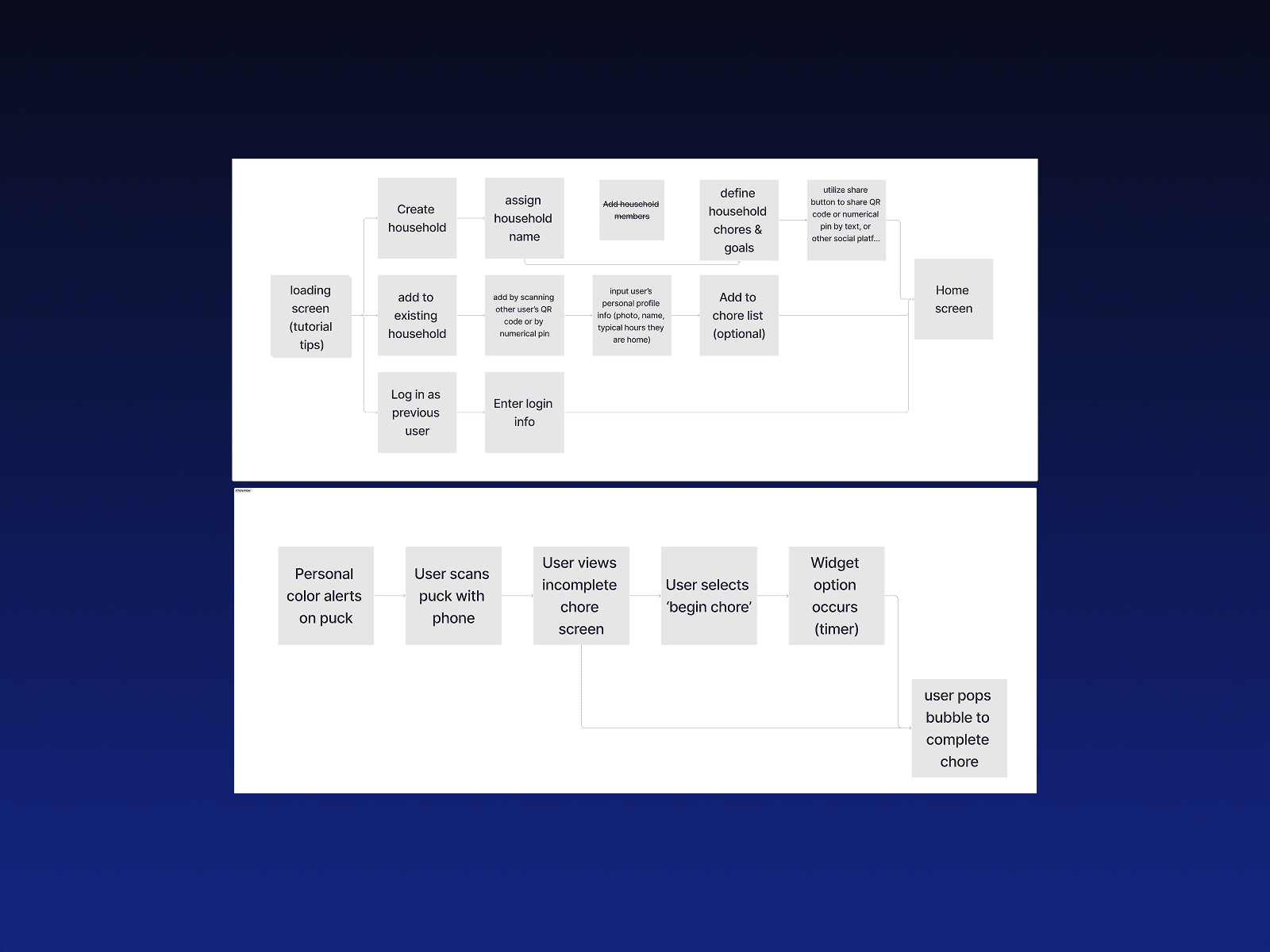
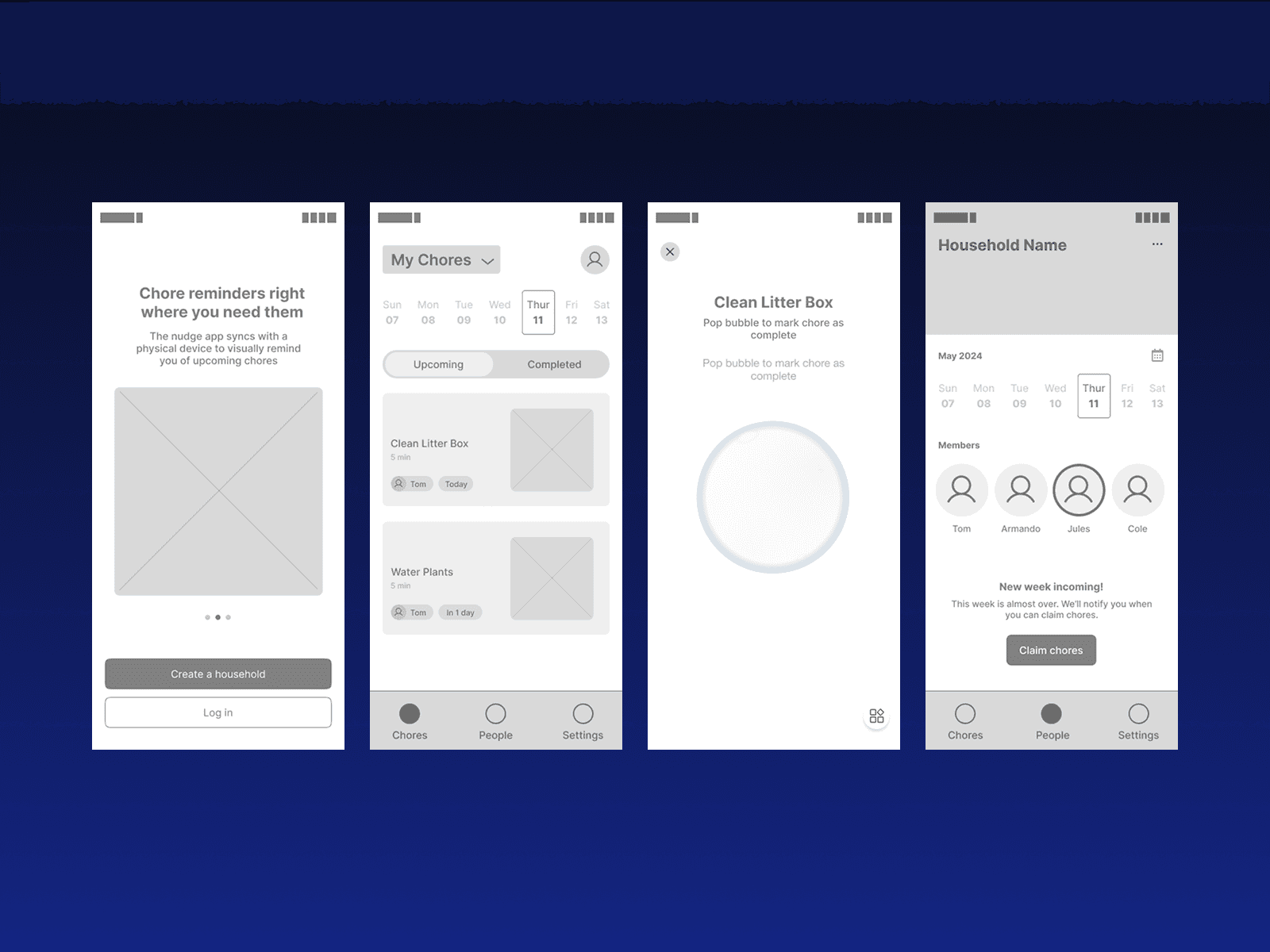
Flowchart and Wireframes
Building the Final Prototype
Designing the Mobile App
To construct our final prototype, we delegated tasks to collaborate on a Figma design. My primary responsibilities were the motion design and reusable components of the design, such as the popping bubbles and animated logos. These were all made in Figma using the prototyping feature, and helped make Nudge more satisfying to use.
Physical Prototypes
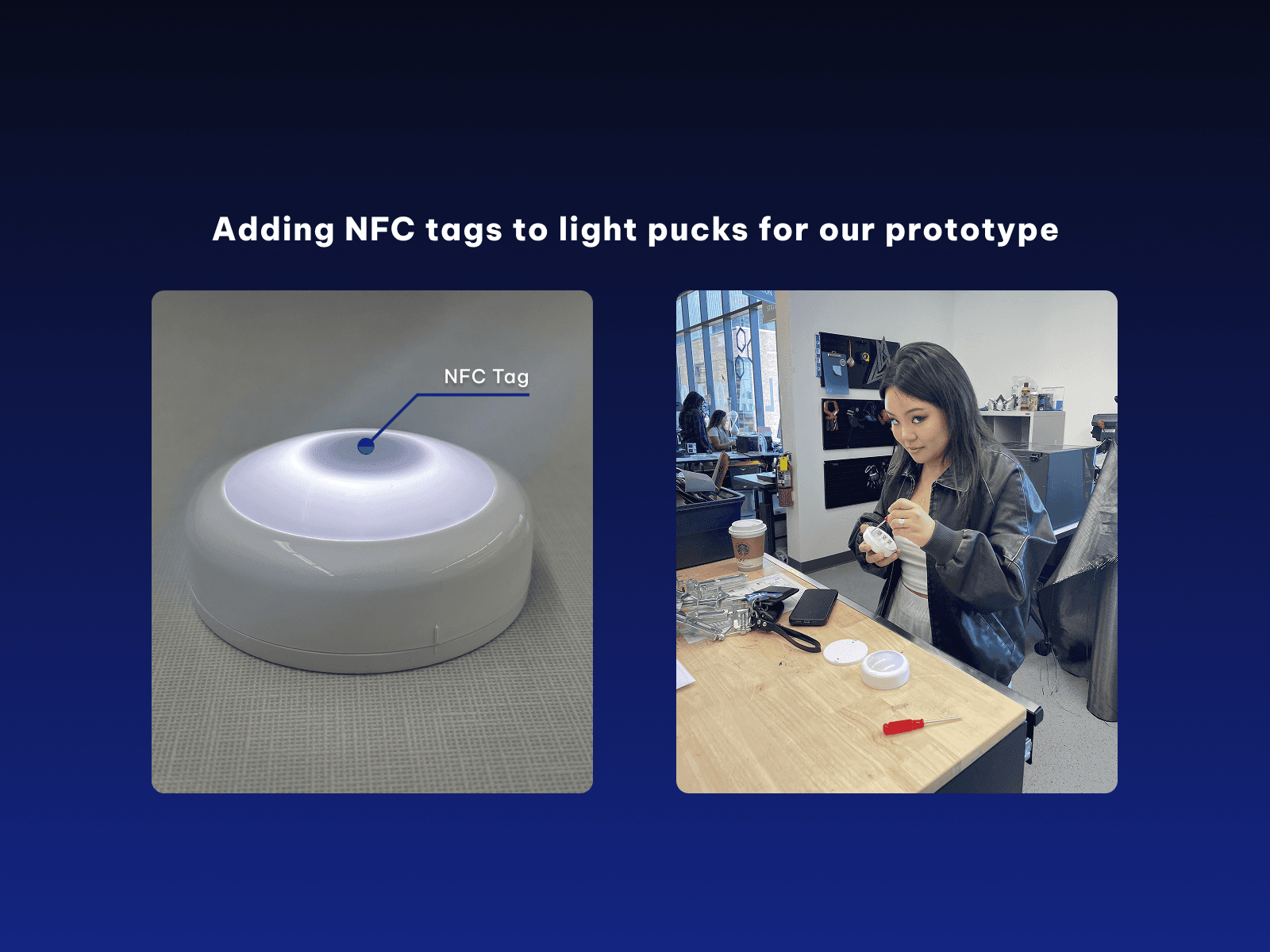
For our physical buttons, we needed affordable materials that could interface with our design. Figma did not have any built-in tools to interface with external devices, so instead we took some simple multi-colored light buttons and inserted NFC tags into them. These tags were programmed to open our app mockup at specific pages, which created an effective connection for our prototype!
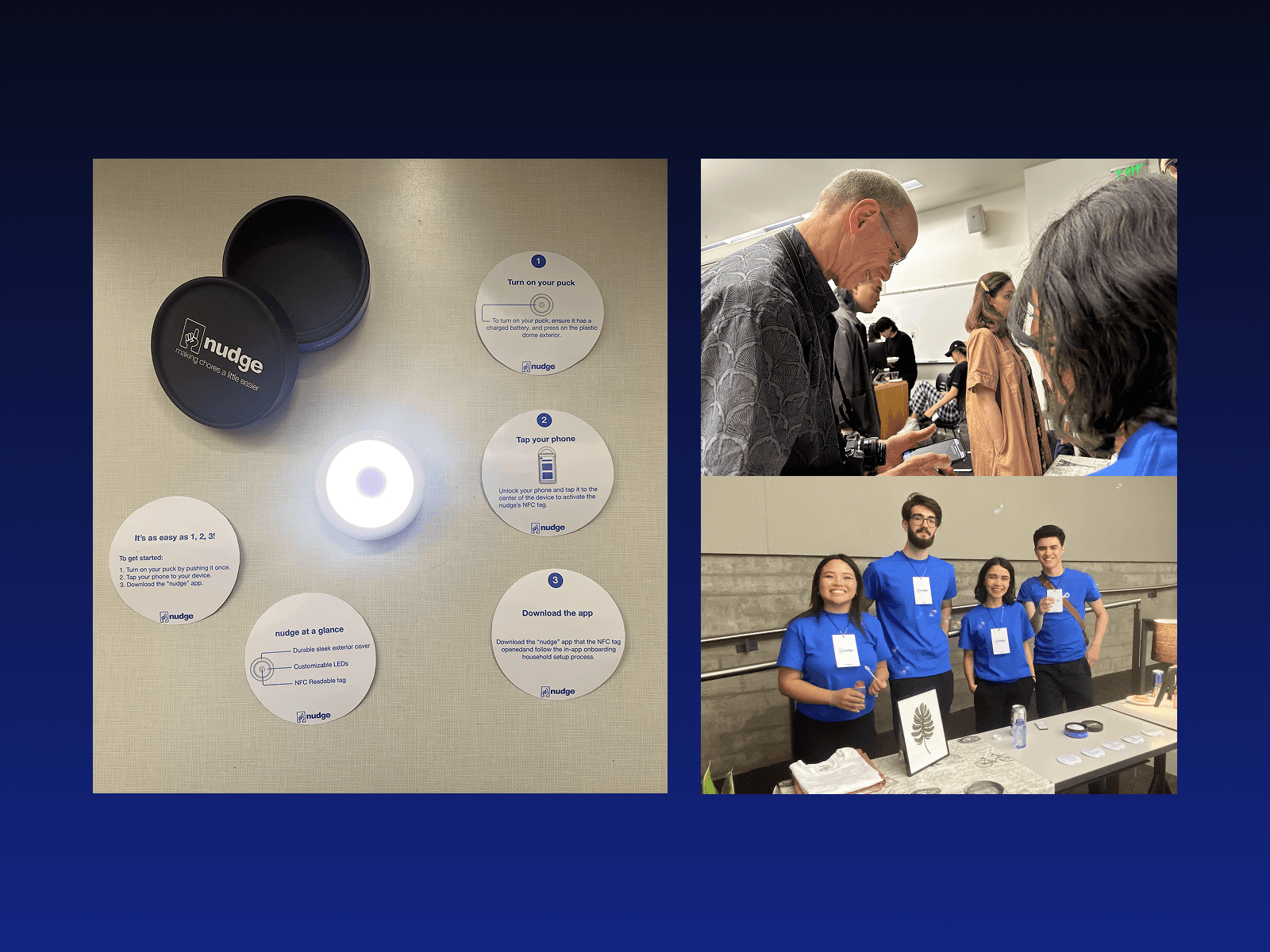
Photos from our prototype demonstration event!
Even though it was just a prototype, Nudge proved to be a promising concept that testers loved the idea of! I actually continue to use our Nudge prototype to track laundry at home. Even as just a prototype, it has saved me dozens of hours by reminding me to continue laundry cycles once they're done!